
01Upload your own photo

Upload your own photo
Start with one clear portrait so the preview stays focused on your face and hairline.
Your next signature look
Hair Helper AI helps you try on hairstyles, try on hair color, and get easy hairstyle suggestions online before your next salon visit.
Start designing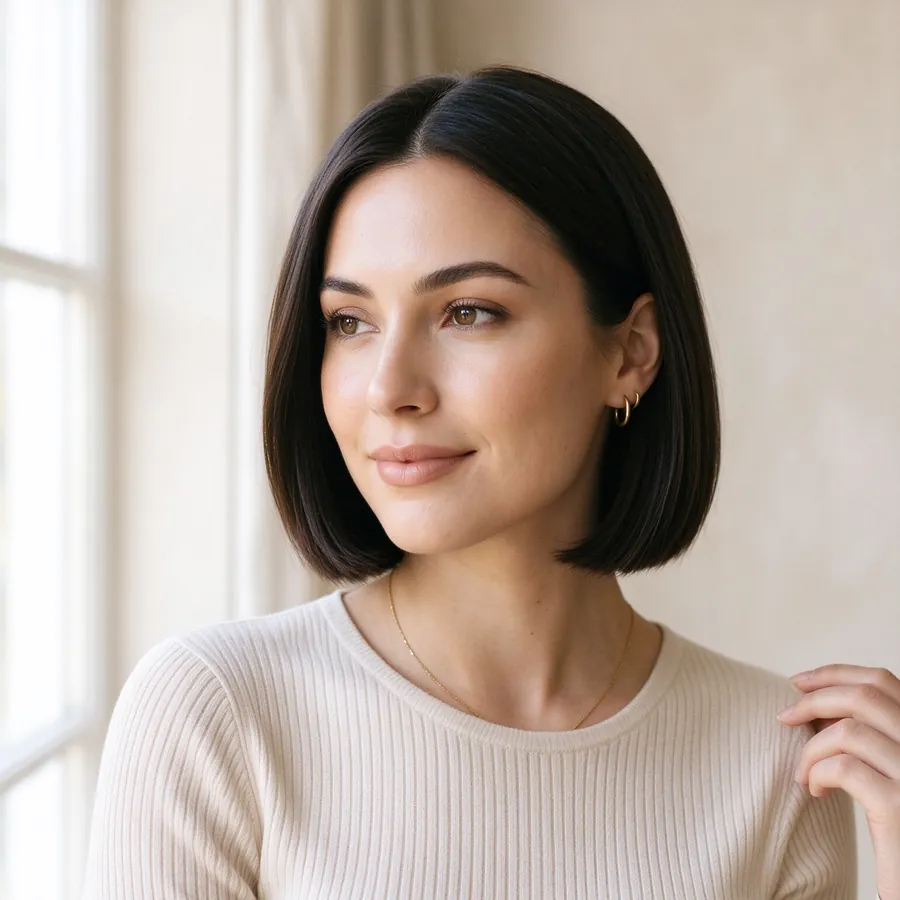
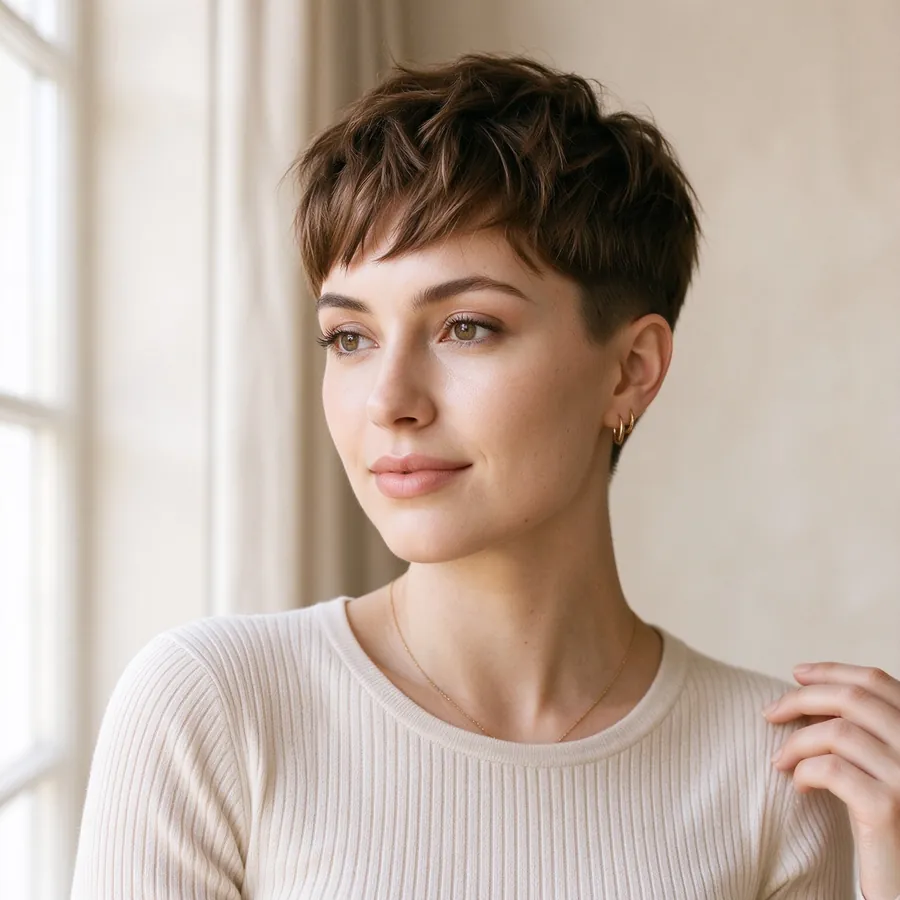
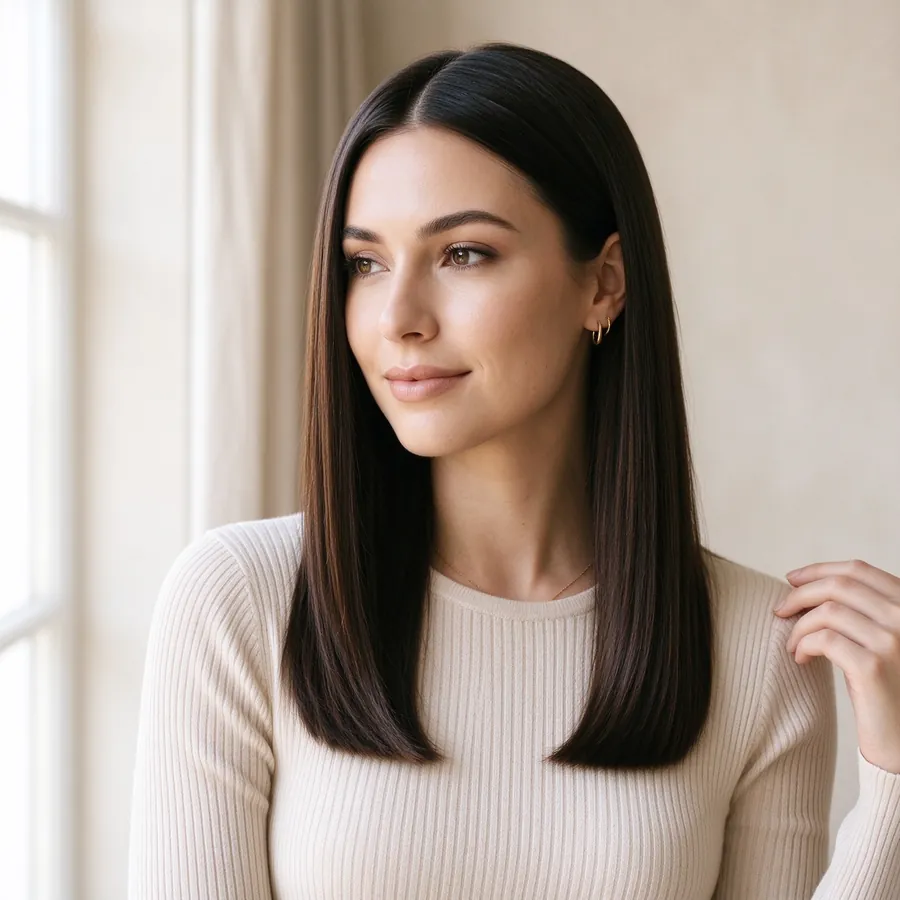
Made for you
AI-powered styling
The styling room
A little inspiration goes a long way. Start with a photo of yourself, then let the fun begin.
Upload a portrait to unlock your reveal
Hair color direction
Explore hair color directions without portraits or extra clutter. Just pick the shade family you want to build around.
A focused color step helps narrow the direction before styling or generation.
Select a color direction
Selected: EspressoColor preview
Selected: Espresso
Espresso
Deep brunette with a polished near-black finish.
Use this tone as the base direction for the rest of the hairstyle experience.
Find your feeling

The Modern Bob
Short · Clean lines, effortless polish

Soft Curtain Waves
Long · Romantic movement, natural volume
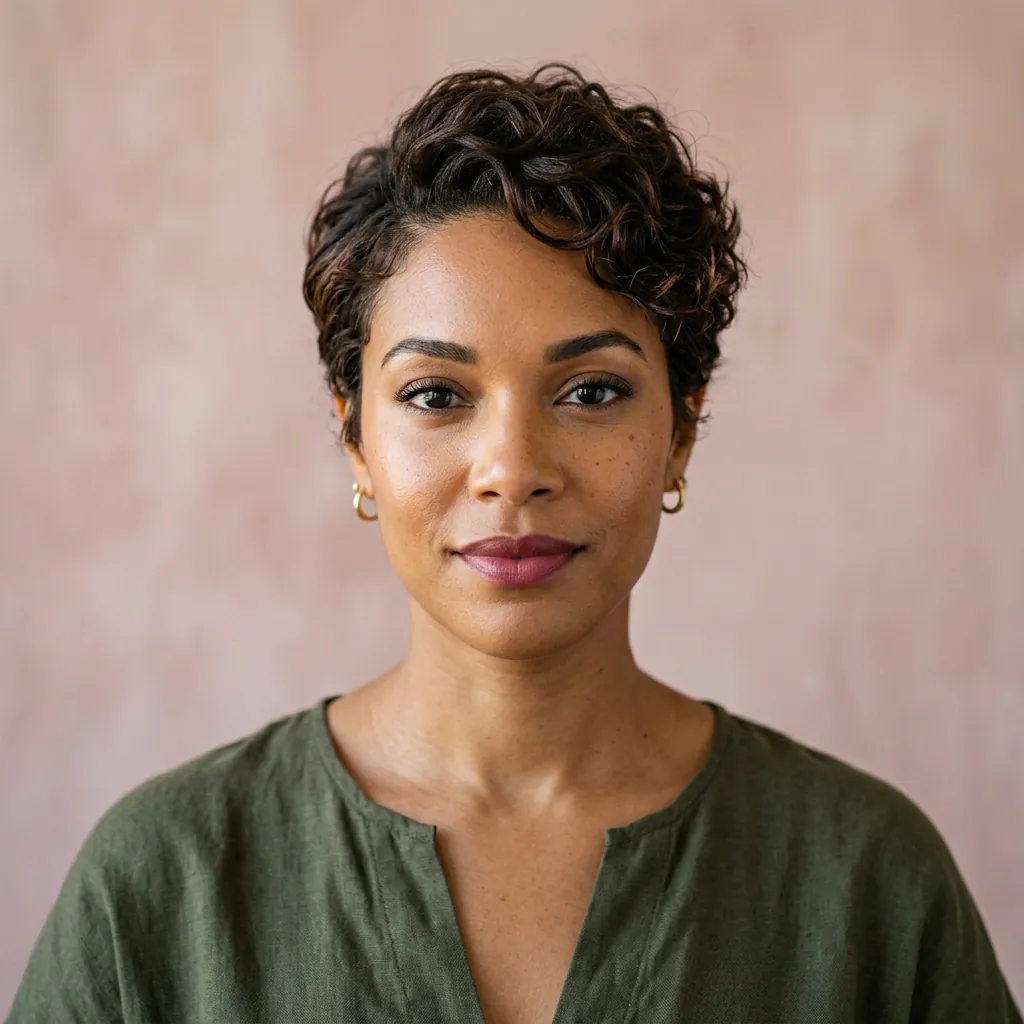
Textured Pixie
Short · Bold shape, easy confidence
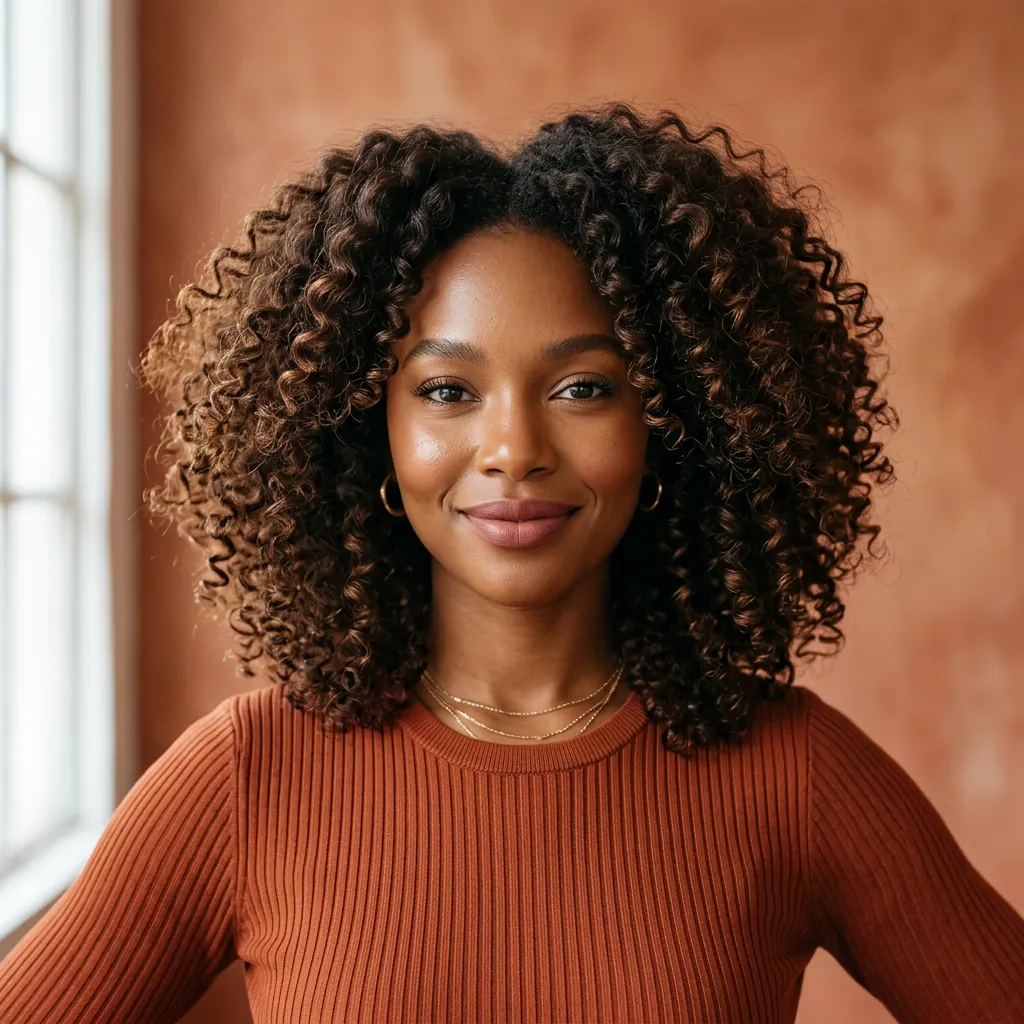
Defined Curls
Medium · Full of texture and life

Parisian French Bob
Short · Chic fringe, effortless shape
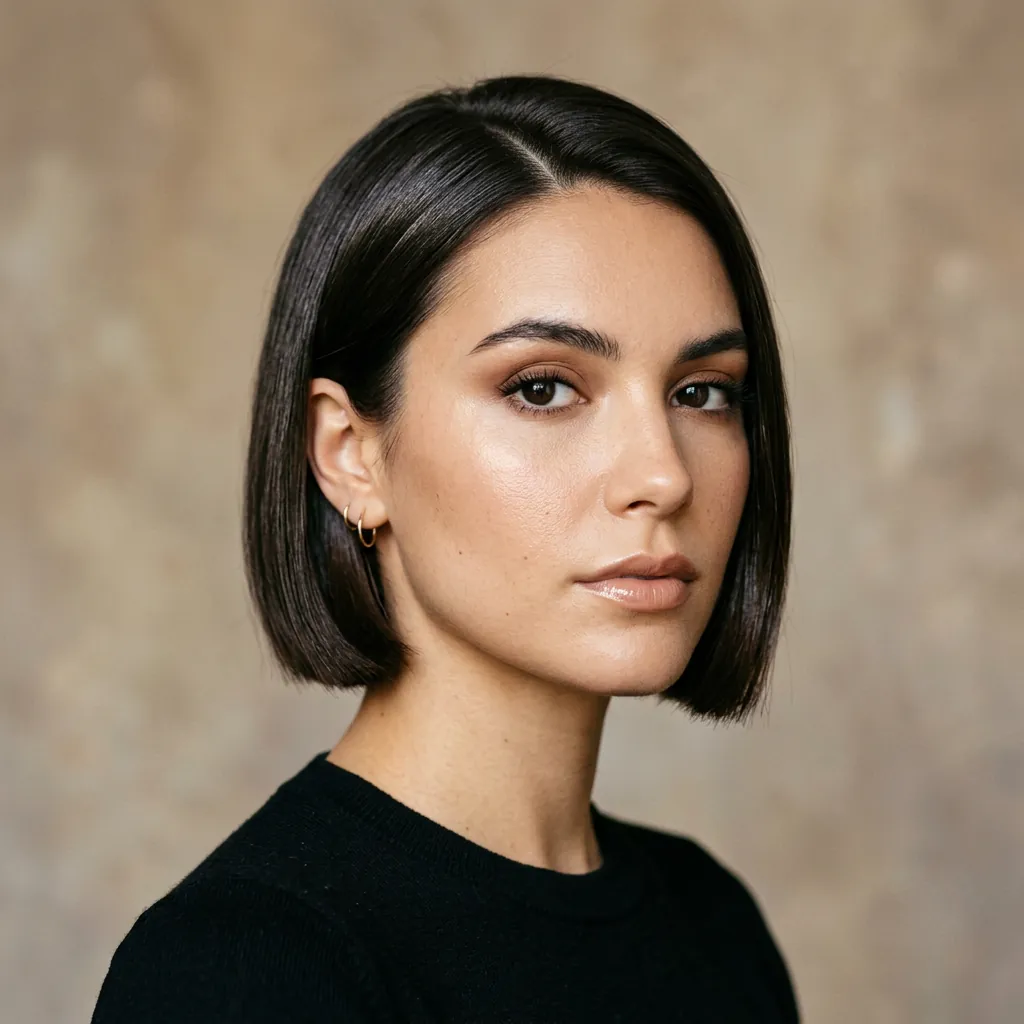
Glossy Micro Bob
Short · Sharp, sleek, and modern
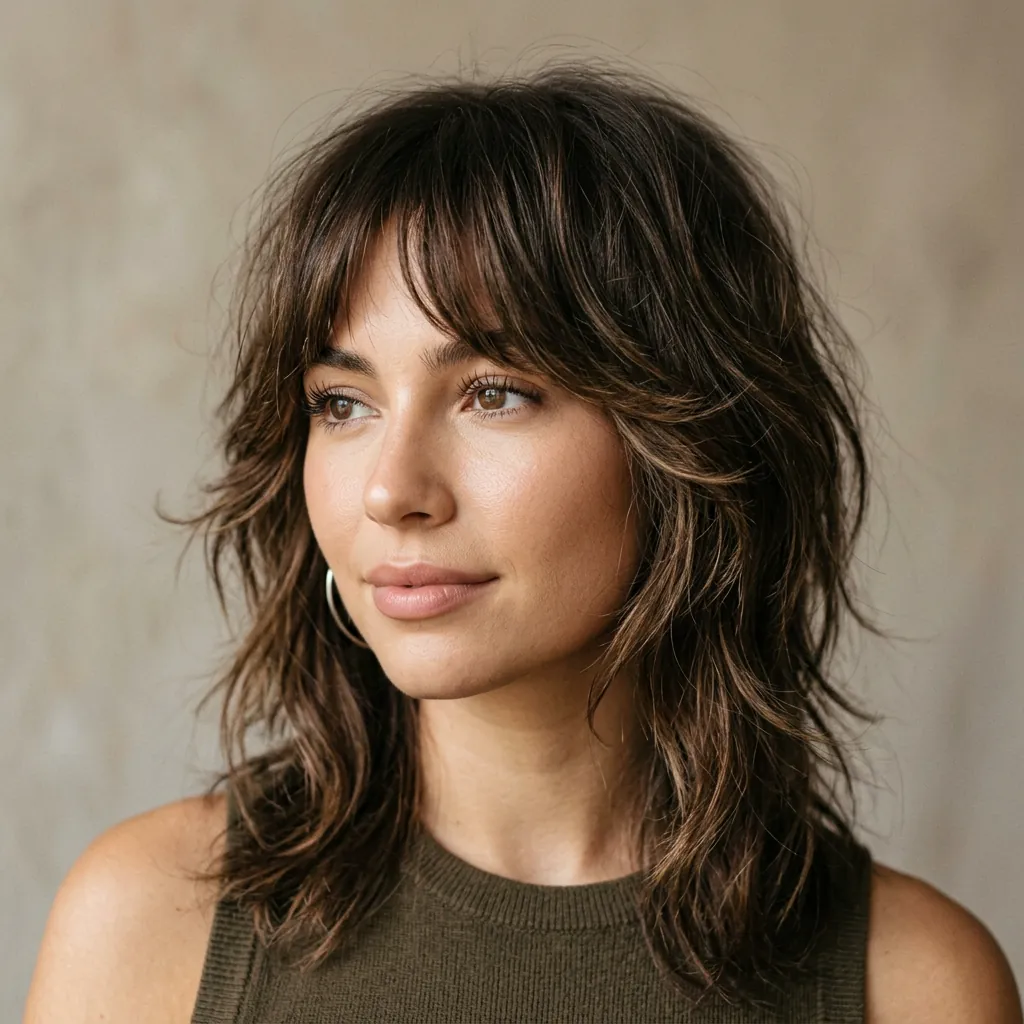
Soft Shag
Medium · Airy layers with attitude
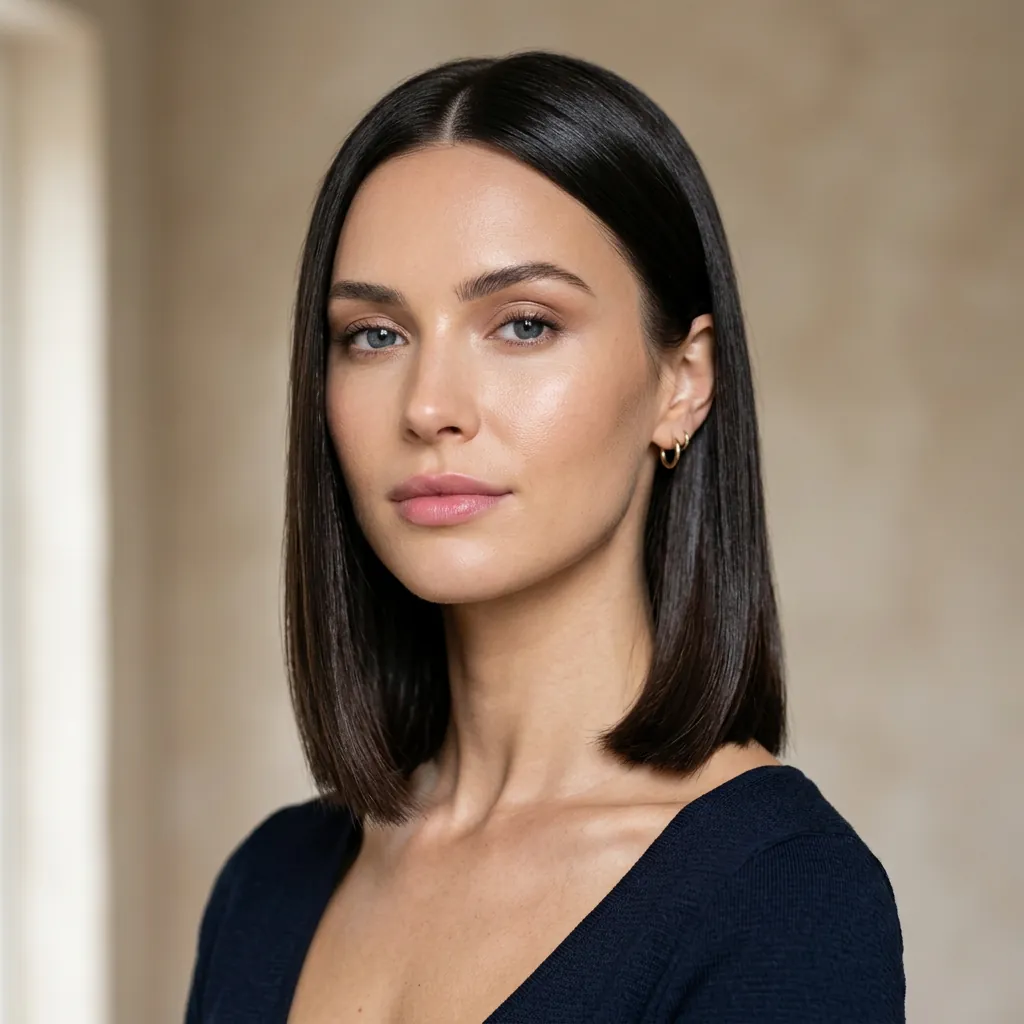
The Polished Lob
Medium · A refined mid-length classic
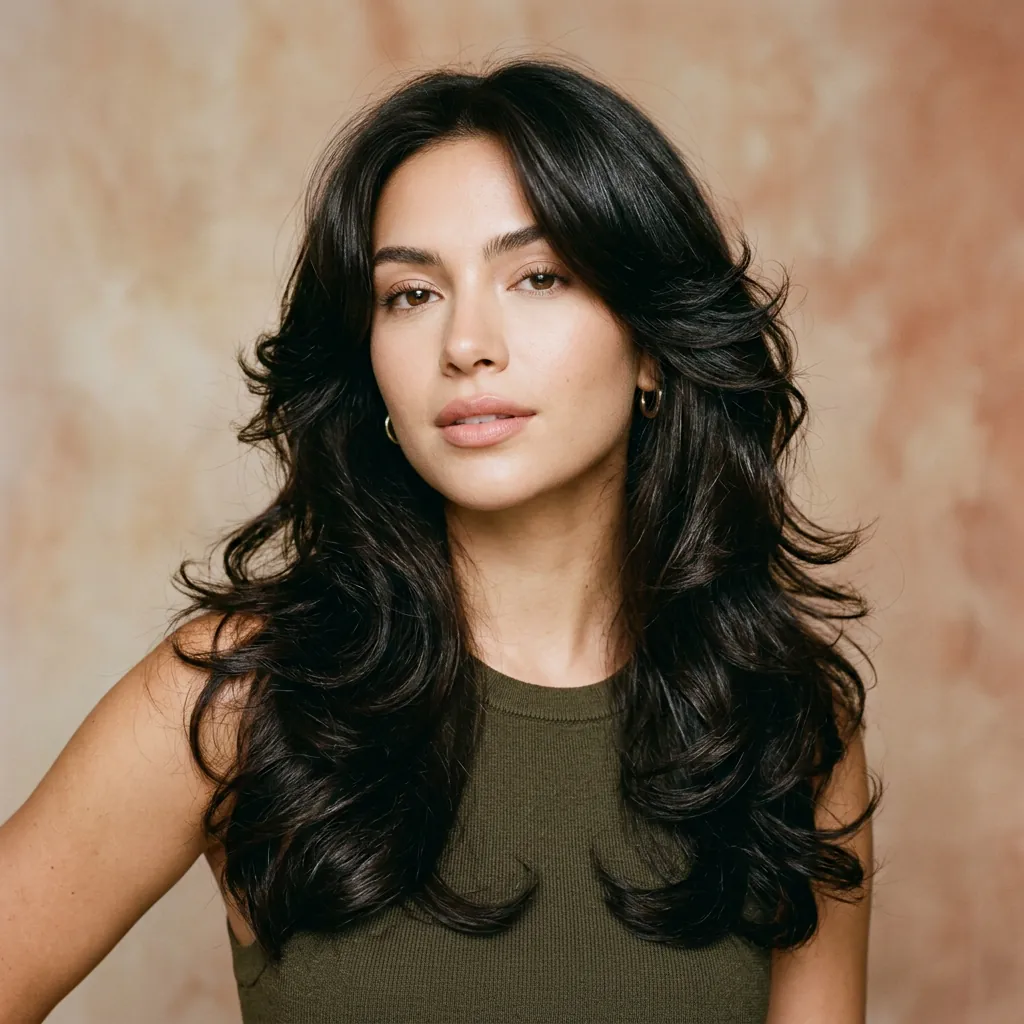
Butterfly Layers
Long · Light layers, major movement
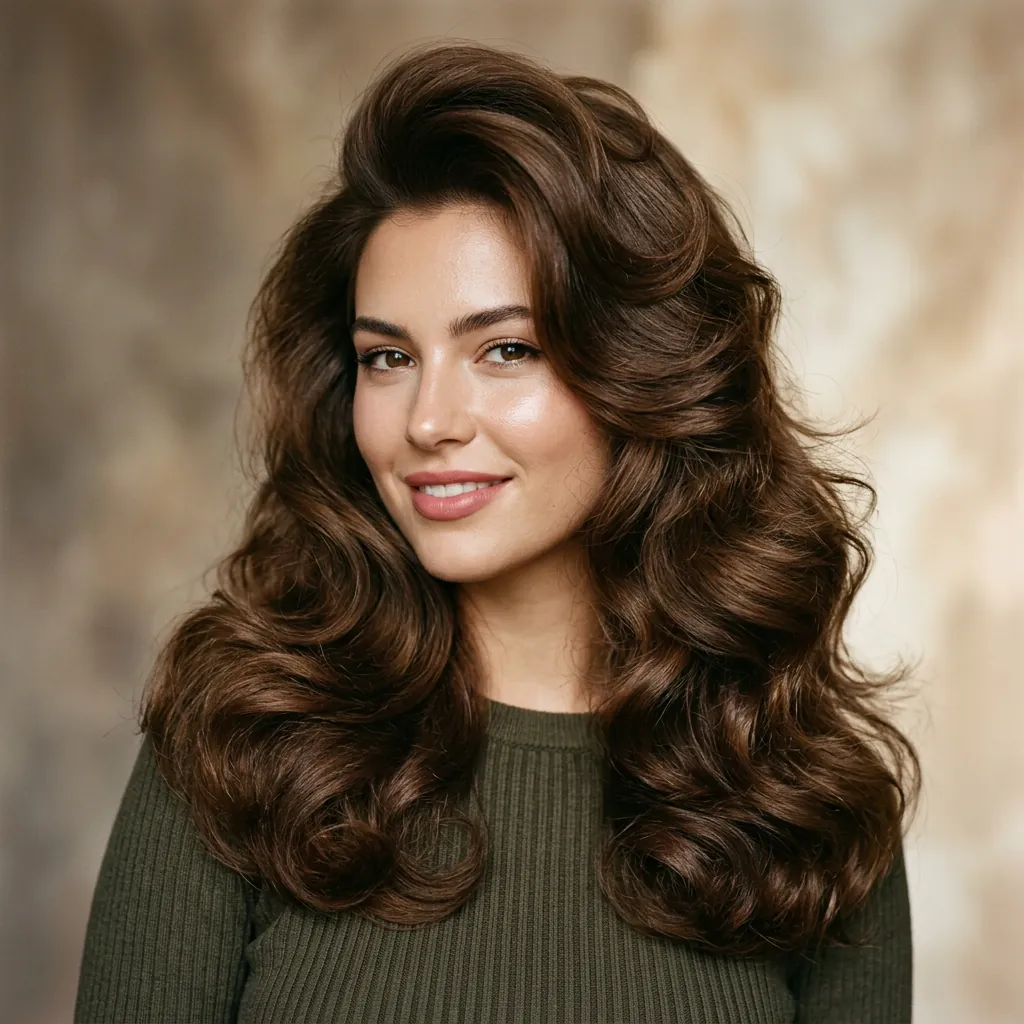
The Big Blowout
Long · Bouncy volume and shine
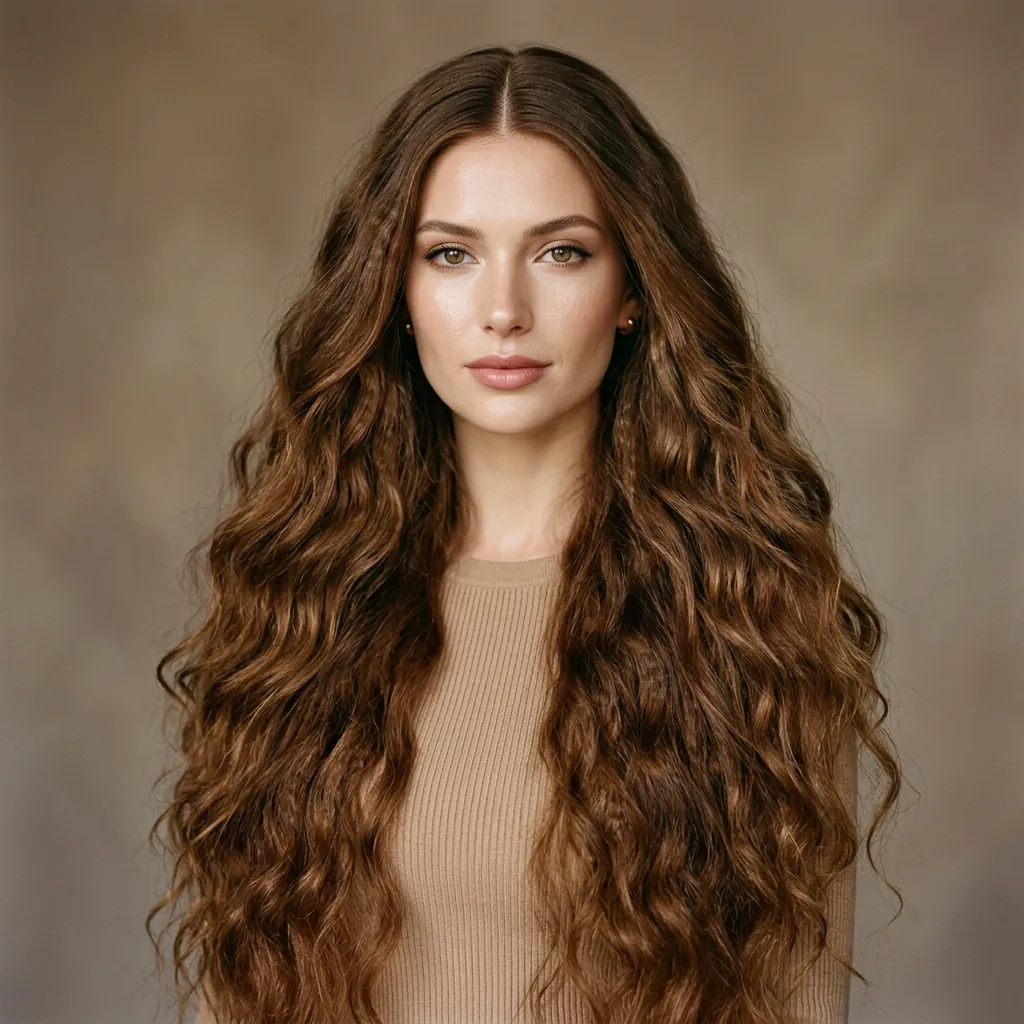
Mermaid Lengths
Long · Long, loose, and luminous
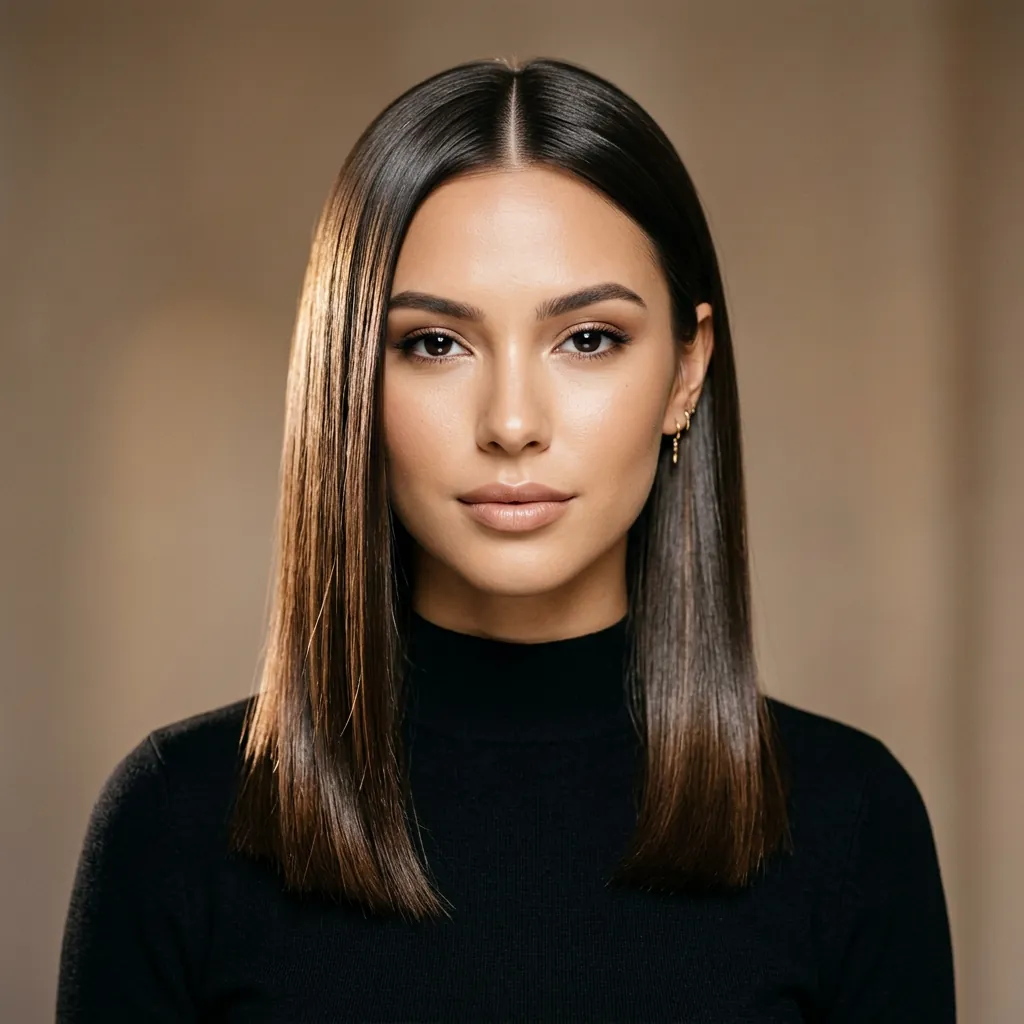
Glass Hair
Medium · Ultra-sleek reflective finish
The styling flow
Follow the exact flow: upload your own photo, choose a hairstyle, choose a hair color, generate the result, then review the hairstyle suggestions for what to try next.
Start with one clear portrait so the preview stays focused on your face and hairline.

Pick the haircut direction you want to test first, from softer bobs to shorter textured looks.

Lock the tone before generation so the final result matches the color mood you want.

See your chosen hairstyle and color direction applied together in one generated preview.
After generation, Hair Helper AI also gives you related haircut ideas and a matching color direction so you know what to compare next.
What you get after generation
A generated result preview based on your photo, selected style, and selected color.
Related hairstyle directions so you can compare nearby cuts instead of stopping at one image.
A matching hair color suggestion to help narrow your next salon decision.
Why it feels real
Hair Helper AI helps you explore the possibility before you make the appointment. Your expression stays yours; the hair is the part that gets to change.
Designed to keep your character, features, and movement in focus.
Compare different lengths and textures without the commitment.
Your portrait is used for your preview and stays in your control.
About Hair Helper AI
Hair Helper AI is a hairstyle and hair color preview tool that helps you compare looks before a salon visit. The goal is simple: upload one clear portrait, test one cut, test one color direction, and keep the comparison practical.
We publish hairstyle guides, keep the landing page updated, and surface suggestion text after generation so you can move from curiosity to a more confident haircut or color decision.
“Upload one clear portrait, test one cut, test one color direction, and keep the comparison practical.”Hair Helper AI editorial principle
Editorial references
Our preview flow and safety guidance are informed by public references, including:
The style journal
A little context for the feeling behind every cut, curl, and change.
Sometimes the smallest shift creates the biggest sense of arrival.
From soft waves to sculpted coils, texture is where personality shows up.
Explore the version that feels right now, then keep evolving whenever you are ready.
Secure checkout
Choose the plan that works for you.
Starter
A light one-time credit pack.
Pro
The most balanced one-time pack.
Enterprise
The best value pack for heavy use.
Your next chapter starts here
Good to know
Use a clear, well-lit portrait where your face is visible. Front-facing or softly angled photos work best.
Hair Helper AI creates an expressive style preview to help you imagine a new cut. Results can vary with lighting, angle, and hair texture.
Yes. Your image is used to create your preview and is not shared publicly. You can replace it at any time.
Absolutely. Pick another template and generate again to compare your favorite directions.
Yes. You can switch between color families and preview softer, warmer, cooler, or bolder directions before generating your look.
No. You can explore the landing page, browse styles, and test directions first. Sign-in only matters when you want to save or continue deeper in the product.
Yes. After generation, Hair Helper AI also shows related hairstyle ideas and a matching hair color direction so you have a few clear next options to compare.
Guides on virtual hairstyle ideas, try on hair color, and AI hairstyle searches you can start with a free trial, with direct links back to the landing page.
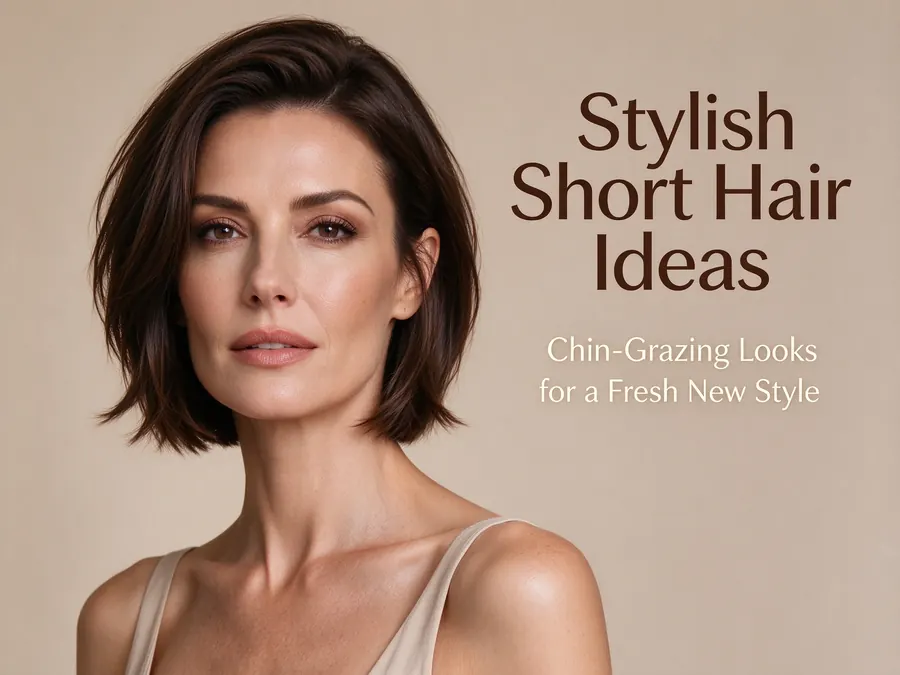
Learn how to try on hairstyles with your picture with a free trial, compare haircuts, and test hair color ideas before you change your real look.
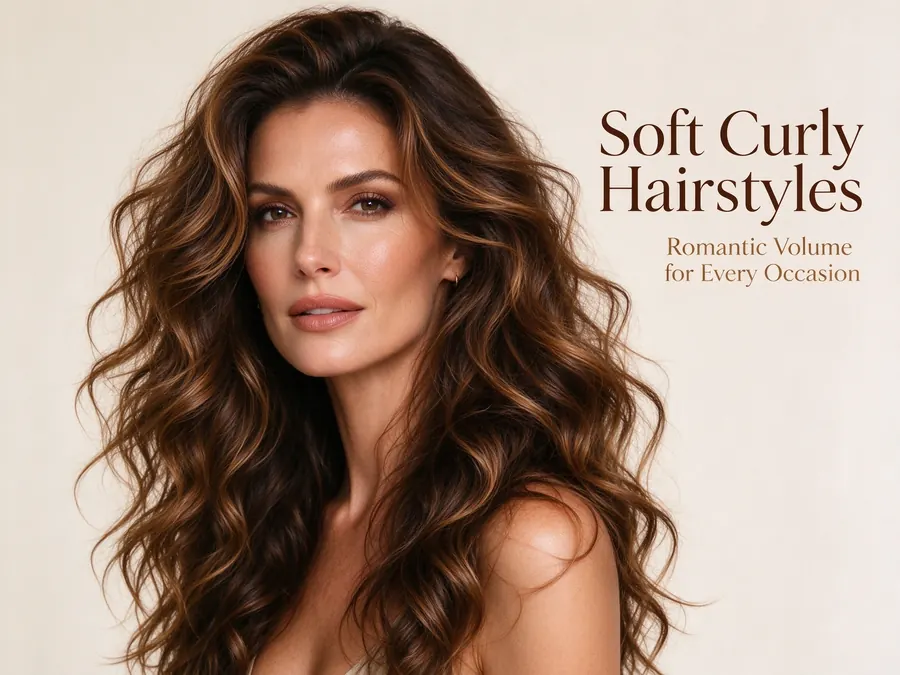
A practical guide to ai hairstyle online with a free trial and no login, including ai hairstyle app expectations, color testing, and haircut comparison tips.
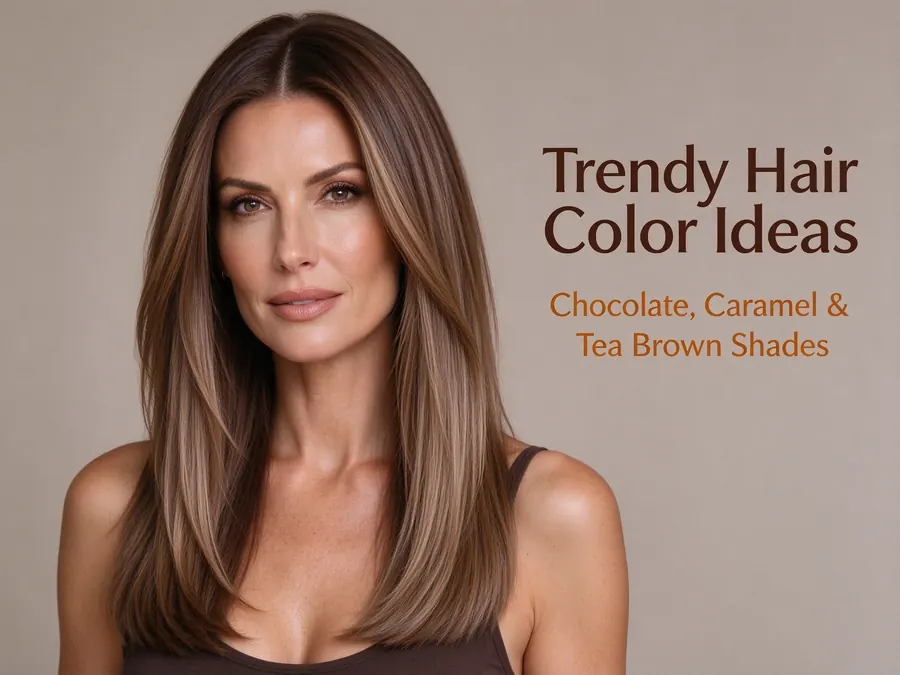
Use a face hair style suggestion workflow with a free trial to compare cuts, test colors, and answer common questions like is pixie cut good for oval face.