
Try On Hairstyles With Your Picture With a Free Trial
Learn how to try on hairstyles with your picture with a free trial, compare haircuts, and test hair color ideas before you change your real look.
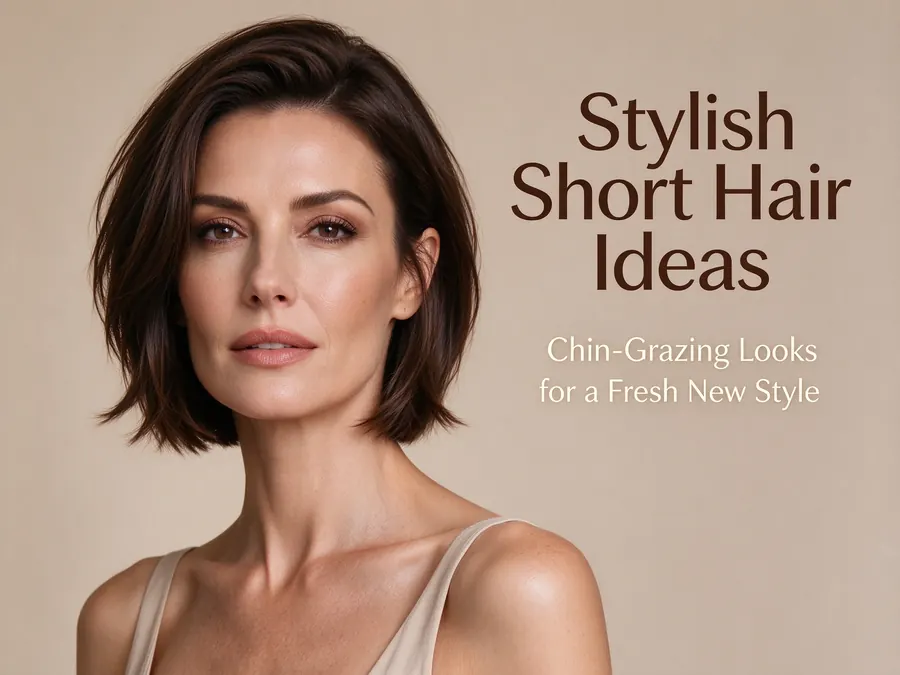
If you want to try on hairstyles with your picture with a free trial, the goal is simple: see shape, length, and color direction before making a real change.
Hair Helper AI is built for that exact use case. You can go back to the landing page, open the styling room, upload one photo, and start comparing looks in minutes.
Many users still phrase that intent in slightly different ways, such as try on hairstyles, try on hairstyles with your picture for free, try on hair styles for free, or try on haircuts. They are usually describing the same need: upload one image, compare a few looks, and move on with more confidence.
Why people search "try on hairstyles"
Most people are not really looking for endless inspiration boards. They want a quick answer to questions like:
- Can I try on hairstyles before a salon visit?
- Can I try on hairstyles with your picture for free before I commit to a new cut?
- Can I try on haircuts without committing?
- Can I try on hair styles with a free trial using one photo?
- Can I test a virtual hairstyle and compare several directions?
That is why a focused flow matters more than a giant feature list. One upload, one hairstyle selection step, one color direction, then a result with extra guidance.
What to test first
When you open the style gallery, start with three checks:
- Length: short, medium, or long
- Shape: blunt, layered, pixie, bob, lob, or waves
- Color direction: brunette, blonde, warm, cool, or statement shades
This removes guesswork fast. If you are comparing popular short haircuts women search for, narrow it to short cuts first. If you are unsure between shape and shade, try the haircut before the color.
A better way to compare hairstyles on your own photo
The most useful workflow usually looks like this:
- Upload a clear front-facing portrait in the styling room
- Pick one cut you already like
- Test one safer color and one bolder color
- Generate the look
- Review the extra style suggestions shown after generation
That last step matters. A lot of people do not just want a mockup. They want help choosing what to test next. Hair Helper AI adds recommendation ideas so you can compare nearby options instead of stopping at one result.
Should you test hair color at the same time?
Yes, especially if you are deciding between:
- try on hair color
- try on different hair colors
- try on hair styles for free while still comparing shade families
- or a haircut that changes how color placement feels
A blunt bob with espresso brown gives a very different impression from the same bob in beige blonde or copper brown.
If you want to compare color families without extra clutter, the hair color section makes it easier to stay focused on tone and finish.
Final takeaway
If your main search is try on hairstyles with your picture with a free trial, you probably do not need a huge workflow. You need a clean place to upload a photo, test cuts, test shades, and move from inspiration to action.
That is why Hair Helper AI keeps the path short for people searching try on hairstyles, try on haircuts, or try on hair color rather than trying to bury them under too many extra steps.
Start on the homepage, test looks in the styling room, then review styles in the gallery before choosing your next direction.